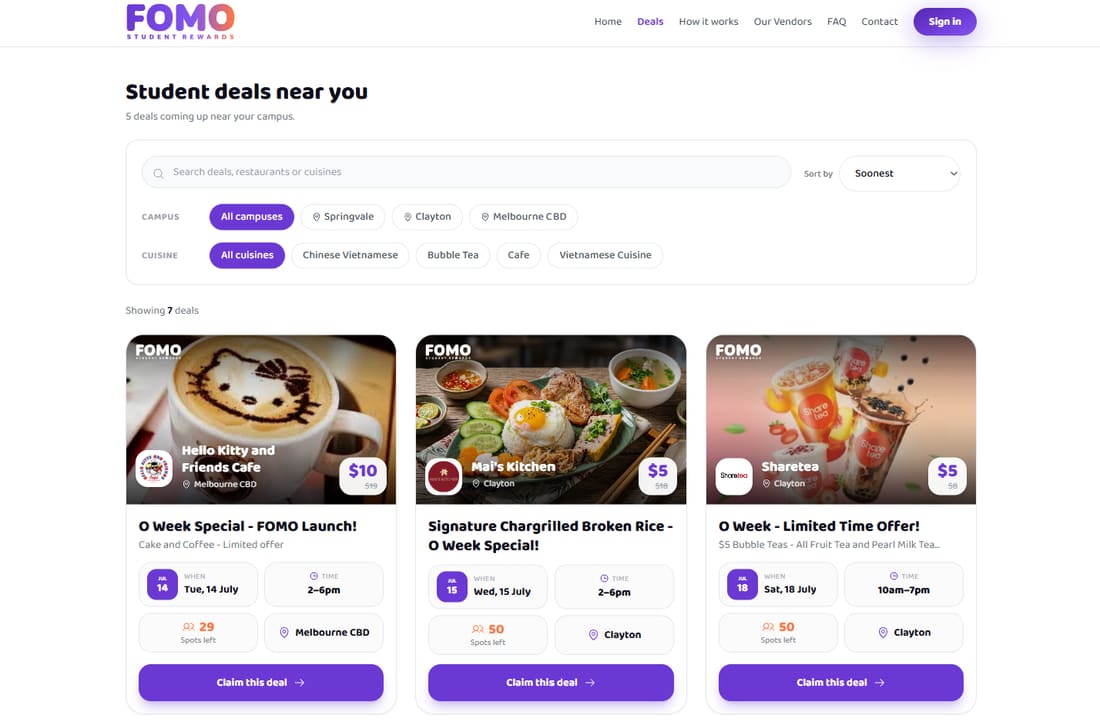
Sign-up to scan in four steps.
No app to download, no card to carry. Everything happens by email.
- 01
Sign up & pay
Fill in your details — name, email, phone, university, campus and date of birth. Pay $5 via Stripe. The whole process takes about a minute on your phone.
- 02
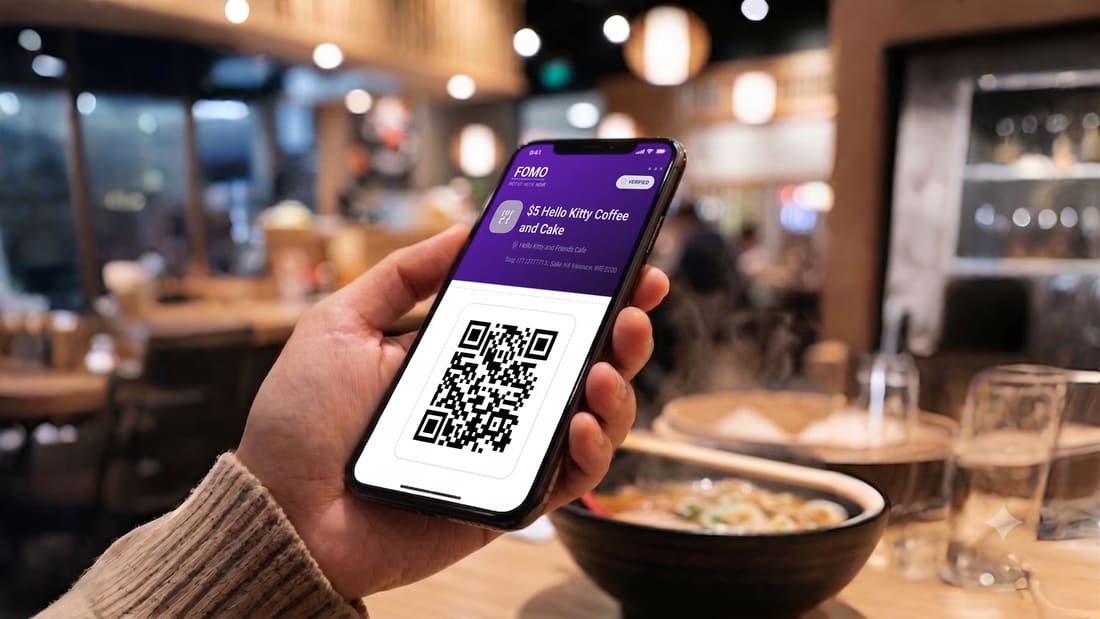
Receive your QR by email
Within seconds of payment, you receive an email with a unique single-use QR code and a backup FM-NNN code. Save the email, screenshot the QR, or keep it open — whatever works.
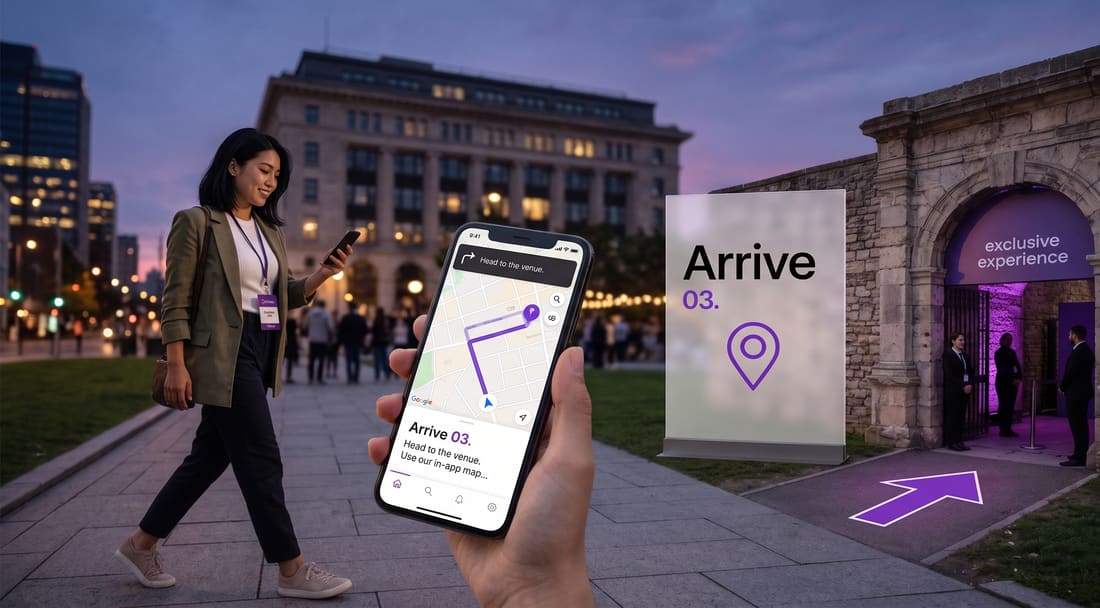
- 03
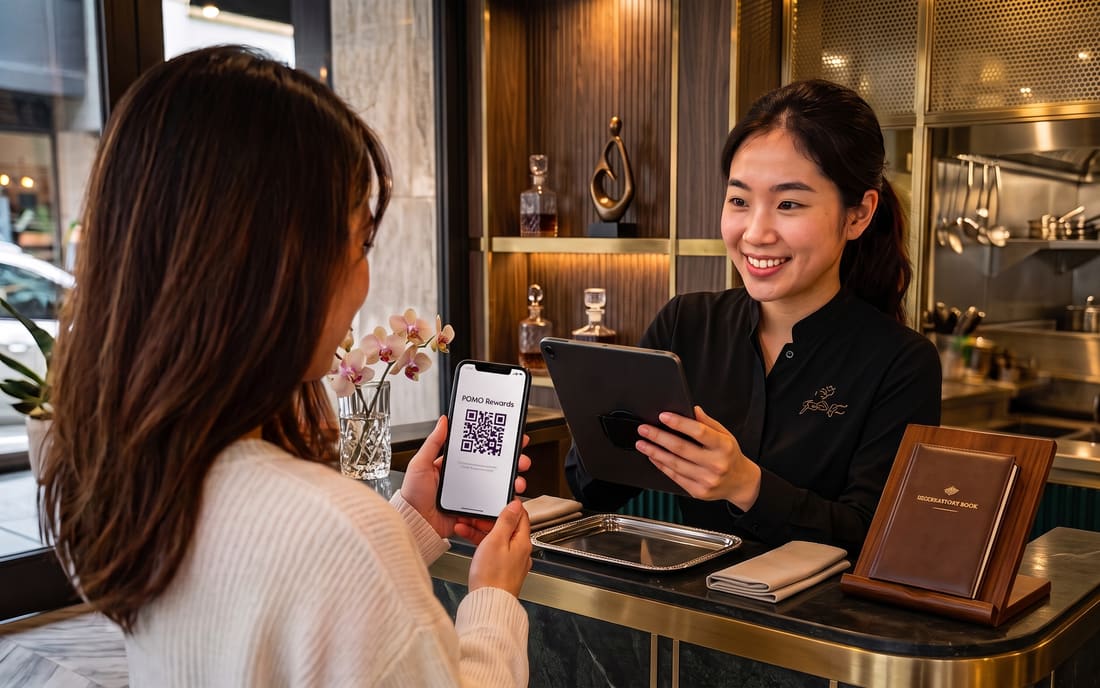
Show your QR at the vendor
When you visit a participating vendor, show them the QR code. They open their scanner page, point the camera at the QR, and the pass is redeemed.
- 04
Vendor sees green tick — perk unlocked
If the QR is valid, the vendor's screen shows a green tick with your name. Your perk is unlocked. The pass is now marked as used in our system and can't be reused.
For vendors
Each participating vendor receives a private scan link and password. Open the link on any modern smartphone, enter the password once, and the camera-based scanner is ready. Scans take less than two seconds and you can scan dozens of students per minute.
Want to become a vendor? Learn more.